CREATOR GUIDE
Can AI Music Mastering
Fix a Bad Mix?
What to Adjust First
You generate a song and hear a promising chorus. But the bass feels heavy, the vocal disappears, and the percussion sounds sharp. Can mastering bring everything together?

AI music mastering can improve overall tone, loudness, dynamics, and final presentation, but it cannot reliably repair a weak arrangement, damaged audio, or badly balanced instruments.
Get the mix as clean as possible first — then use mastering to polish the final sound for playback and release.
What Does Music Mastering Actually Do?
Mixing controls how individual elements work together. Mastering works on the finished mix and prepares it for playback and release.
A balanced song might still sound slightly dull, inconsistent in level, or less cohesive than a finished release. Mastering can make broad tonal and dynamic adjustments without changing the underlying arrangement.
The important distinction is that mastering processes the whole track. If you brighten the mix to uncover a buried vocal, you may also make the cymbals brighter.
Listen to the same song before and after mastering.
What Mastering Can and Can't Fix
Mastering is powerful, but it has limits. Use this as a quick guide before processing your track.
Mastering can help with
- Overall tonal balance
- Perceived loudness
- Dynamics and punch
- Broad stereo cohesion
- Playback consistency
- Final release polish
Mastering cannot reliably fix
- A weak or cluttered arrangement
- Bad vocal-to-instrument balance
- Distorted or damaged source audio
- Unnatural vocals or generation artifacts
- Incorrect lyrics
- Broken song structure or transitions
Common Mixing Issues and What to Do
Identify the real problem before mastering. Some issues need another generation or mix adjustment, while others can be improved during mastering.
| Issue | Can mastering fix it? | What to do first |
|---|---|---|
| Vocal is too quiet | No | Adjust the vocal level in the mix or regenerate |
| Bass is too heavy | Limited | Reduce bass or clean up the low end first |
| Cymbals sound harsh | Sometimes | Try EQ or de-essing first |
| Distorted or unnatural vocals | No | Regenerate or edit the source |
| Track sounds dull | Yes | Mastering can improve broad tonal balance |
| Lacks punch and consistency | Yes | Mastering can improve dynamics and level |
1. Decide What the Music Needs to Do
Start with the intended use. A standalone song and background music for a tutorial require different balances.
If narration delivers the message, the music should leave enough room for speech. Sung lyrics, busy melodies, and dense percussion can compete with the narrator even when the track sounds impressive alone.
Test the track inside the actual project. If viewers struggle to follow the explanation, lower the music, simplify the arrangement, or choose an instrumental version.
2. Check Whether the Generation Is Worth Keeping
Listen from beginning to end before adjusting anything. Mark unclear lyrics, strange notes, abrupt changes, distracting textures, or broken transitions.
A strong chorus does not automatically make the whole track usable. If a cleaner generation is available, choosing it may save more time than trying to repair a flawed stereo export.
3. Fix Vocal and Instrument Balance
Listen at a comfortable, relatively quiet level. Can you still follow the main melody or understand the lead vocal?
If stems are available, adjust vocals and instruments before exporting. A small level change can reveal the singer without making the entire track brighter.
4. Clear Up the Low End
Too much bass can sound powerful on headphones while making the track muddy elsewhere. Listen for kick and bass merging into an indistinct rumble.
With editable stems, start with levels before reaching for EQ. Decide which element provides the deepest weight and which supplies rhythmic definition.
5. Address Harshness and Audio Artifacts
Sharp cymbals, brittle vocals, and grainy textures can become tiring as playback level increases.
A small tonal adjustment may soften excessive brightness. Distorted syllables, clicks, malformed notes, or obvious generation artifacts should instead be corrected at the source.
6. Preserve Dynamics and Export Cleanly
Louder is not automatically better. If the chorus feels flat or the drums have lost their impact, heavy compression or limiting may already be affecting the source.
Export a clean, non-clipping file. Use a lossless WAV or AIFF when available and keep an untouched original for comparison.
A Simple Workflow: From Generation to Mastering
The best results come from a clear workflow. Each stage solves a different part of the problem.
Generate
Create several versions and choose the strongest source.
Edit & Mix
Adjust arrangement, balance, clarity, and obvious problems.
Check
Listen across devices and inside the intended project.
Master
Polish the final track for playback and release.
Checklist: A Clean Track for Mastering
Use this checklist before running the track through AI mastering.
The arrangement feels complete and intentional
Vocals and instruments are well balanced
There is no clipping or broken audio
The low end is clear and controlled
High frequencies are not painfully harsh
Dynamics still feel natural
The export is lossless where possible
You have kept an untouched original
7. Judge the Master at Similar Listening Levels
A louder version can seem better even when it introduces unwanted tradeoffs. Compare the original and mastered versions at roughly similar perceived levels.
Give mastering a mix worth polishing.
Create your track, choose the strongest version, resolve the obvious problems, then prepare it for the final stage.
Create AI Music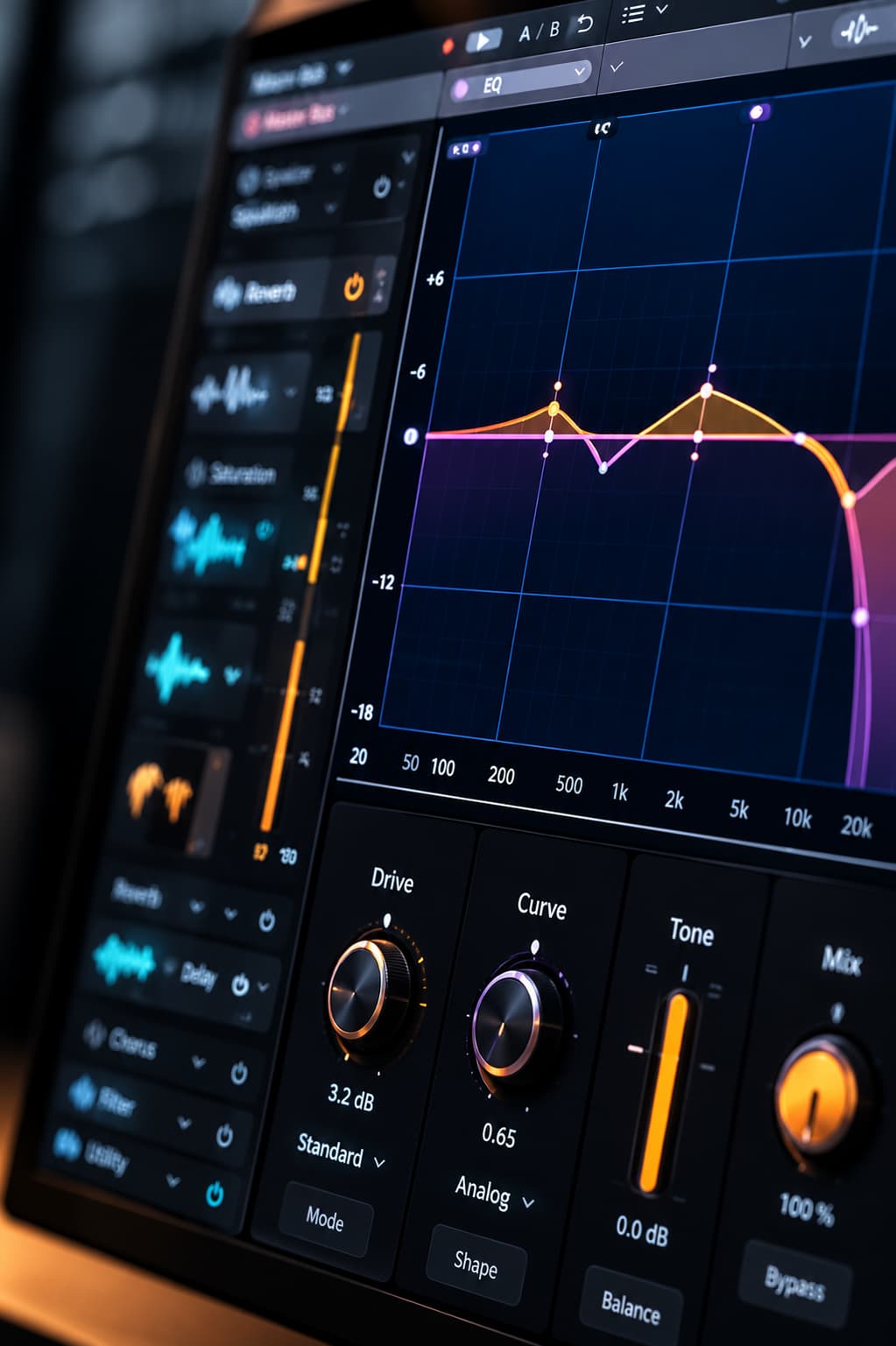
Frequently Asked Questions
Can AI music mastering fix a bad mix?
It can improve broad tone, loudness, dynamics, and overall presentation, but it cannot reliably repair severe balance problems, incorrect lyrics, broken transitions, or damaged audio.
What should I adjust before mastering?
Check the generation, arrangement, vocal balance, low end, harshness, dynamics, clipping, and export quality before mastering.
Can mastering make quiet vocals louder?
It may improve perceived vocal presence, but mastering affects the whole mix. If possible, adjust the vocal stem or choose a generation with a better vocal balance.
Can mastering fix distorted AI vocals?
Not reliably. Distorted syllables, malformed notes, and generation artifacts should normally be corrected before mastering.
Should I upload WAV or MP3 for mastering?
Use a lossless WAV or AIFF when available and accepted. Converting an MP3 to WAV does not restore information that was already lost.
How can I tell whether mastering helped?
Compare the original and mastered versions at similar perceived listening levels. Judge clarity, bass control, dynamics, brightness, and how well the track translates across devices.