CREATOR GUIDE
How to Turn Your Lyrics Into
an AI Song With Vocals
From words on a page to a vocal performance that feels natural. Learn how to structure your lyrics, guide the voice, and build a focused AI music prompt.
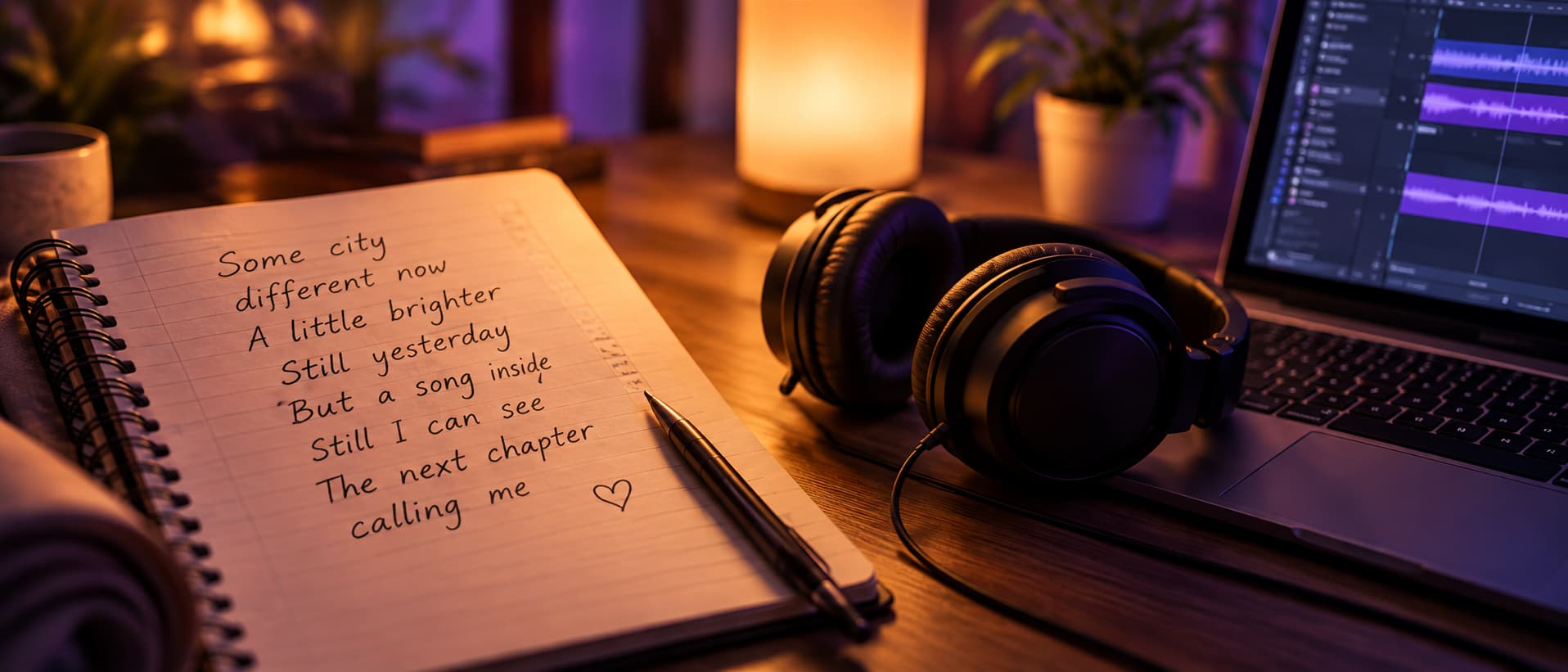
Start with lyrics that are easy to phrase, then give the AI a clear musical direction. Structure your verses and chorus, keep syllables manageable, describe the vocal performance, and refine one problem at a time.
- LyricsWrite or paste your lyrics
- StructureLabel verses and chorus
- SingabilitySimplify lines to sing
- StylePick a genre and mood
- VoiceDescribe the vocal
- GenerateCreate a first version
- RefineFix one thing at a time
Start With What the Lyrics Are Really About
Before you think about genre or voice, decide what the song needs to say. Read your lyrics and try to sum them up in one sentence: a feeling, a moment, a decision, or a change. That sentence becomes the anchor for every choice that follows.
An AI music generator responds to the words you give it, but it cannot guess which line matters most to you. If the heart of the song is a single idea—letting go, starting over, missing someone—make sure that idea is easy to find, ideally in the chorus.
It also helps to know where the song will be heard. A track for a short video needs its main idea early. A song meant to stand alone can take more time to build. Knowing the purpose makes it easier to cut lines that do not serve it.
Structure Your Lyrics Before You Generate
Unlabelled lyrics give the AI very little to work with. Separating your words into clear sections tells it where the energy should rise, where the story should develop, and which lines should return. Label each part plainly—verse, pre-chorus, chorus, bridge—so the shape of the song is obvious.
- VERSEIntroduce the story
- PRE-CHORUSBuild tension
- CHORUSDeliver the main idea
- VERSE 2Move the story forward
- BRIDGEChange perspective
- FINAL CHORUSReturn with more impact
You do not need every section. Many strong songs use only verses and a chorus. What matters is that each part has a job: verses carry detail, the chorus carries the main idea, and a bridge offers a change before the final return.
Keep your chorus consistent. Repeating the same chorus lyrics gives the song a recognisable hook and helps the vocal settle into a memorable melody.
Make Your Lyrics Easier to Sing
Lyrics that read well on the page are not always easy to sing. Long lines packed with syllables force the vocal to rush, and complex words can blur when they are sung quickly. Shorter lines with natural stresses leave room for melody and breath.
I have been searching through the darkness
for a place where I belong.
I search the dark
to find my home.
Read each line aloud and tap the rhythm. If you run out of breath or stumble, the vocal will probably struggle too. Try to keep matching lines in a section at a similar length, so the melody can repeat and the song feels intentional.
Choose a Genre That Supports the Story
The same lyrics can feel hopeful, melancholy, or defiant depending on the music around them. Choose a style that supports what the words are saying rather than one that simply sounds impressive.
Quiet, reflective lyrics often suit acoustic, folk, or piano-led arrangements. Lyrics about energy or change can carry pop, indie, or electronic production. If you are unsure, generate two contrasting directions and listen to which one makes the words feel more believable.
Be specific without overloading the prompt. One genre, a mood, and two or three instruments usually give clearer results than a long list of styles.

Describe the Vocal Performance, Not Just the Voice
Telling the AI that you want a female or male vocal is a start, but it says little about how the song should be sung. Describing the performance—how close, how clear, how much energy—gives you far more control over the result.
Think about how the delivery should change through the song. A verse might be intimate and close, while the chorus opens up with more lift. Naming that contrast helps the vocal follow the shape of your lyrics instead of staying at one level throughout.
Build a Focused AI Music Prompt
A good prompt combines the story, the style, and the vocal direction in a few clear sentences. It describes what the song should feel like and how it should develop, not just which genre it belongs to.
“Warm acoustic pop about rebuilding confidence after a difficult period. Gentle guitar, light piano, restrained percussion. Intimate verses with clear phrasing. Build into a brighter chorus with subtle harmonies. Leave breathing space between lyric lines.”
Keep the prompt and the lyrics consistent. If your words describe a quiet late-night moment, a prompt asking for an explosive festival anthem will pull the song in two directions.
Generate a First Version, Then Diagnose the Problems
Treat the first generation as a draft. Listen all the way through, note the moments that do not work, and then decide whether the problem lies in the lyrics, the style, or the vocal direction.
| If you hear this | Try this |
|---|---|
| Lyrics feel rushed | Shorten the line |
| Words are unclear | Simplify phrasing |
| Chorus feels flat | Increase section contrast |
| Voice feels buried | Reduce arrangement density |
| Song feels repetitive | Vary section energy |
| Emotion feels wrong | Revisit style or vocal direction |
Change one thing at a time. If you shorten lines, adjust the genre, and rewrite the vocal direction all at once, you will not know which change helped.
Compare versions on the same headphones or speakers, at a similar volume. Small differences in phrasing are much easier to hear side by side than from memory.
Hear the difference
Test the Song Where It Will Actually Be Heard
A song that sounds right in the generator can feel different in its final setting. Before you settle on a version, play it where your audience will hear it.
Listen for whether the words stay clear on small speakers, whether the chorus still lands, and whether the vocal sits comfortably against any dialogue or footage. If the song is heading for release, the next step is preparing your track for mastering.
Turn your lyrics into a song.
Bring your lyrics, choose a musical direction, and hear how they can become a complete vocal track.
Create AI MusicFrequently Asked Questions
Can I use my own lyrics to make an AI song with vocals?
Yes. Paste your lyrics into an AI music generator that supports vocals, label the sections, and describe the style and vocal performance you want. The clearer your structure and direction, the closer the first version will be.
Do my lyrics need to rhyme?
No. Rhyme can make lines feel connected and memorable, but rhythm and singability matter more. Lines with a natural stress pattern and room to breathe usually work better than forced rhymes.
How long should my lyrics be for an AI song?
Most songs work with two verses, a repeated chorus, and an optional bridge. If your lyrics run much longer, the vocal often sounds rushed. Trim lines rather than expecting the AI to fit everything in.
Why do the vocals sound rushed or unclear?
Usually the lines are too long or packed with syllables. Shorten them, replace complex words with simpler ones, and leave space between lines so the voice can phrase naturally.
Should I describe the singer's voice in my prompt?
Describe the performance rather than a specific person. Words such as intimate, warm, clear, or lifted in the chorus give the AI useful direction without imitating a real artist.
How many versions should I generate?
Generate a few versions from the same lyrics and prompt, then compare them on the same device. Change one thing at a time when refining so you can hear what actually made the difference.