CREATOR GUIDE
AI Music With Vocals vs Instrumental:
What Works Best for Video?
Should the soundtrack tell part of the story—or stay out of its way? Here's how to choose between vocal and instrumental AI music for your next video.
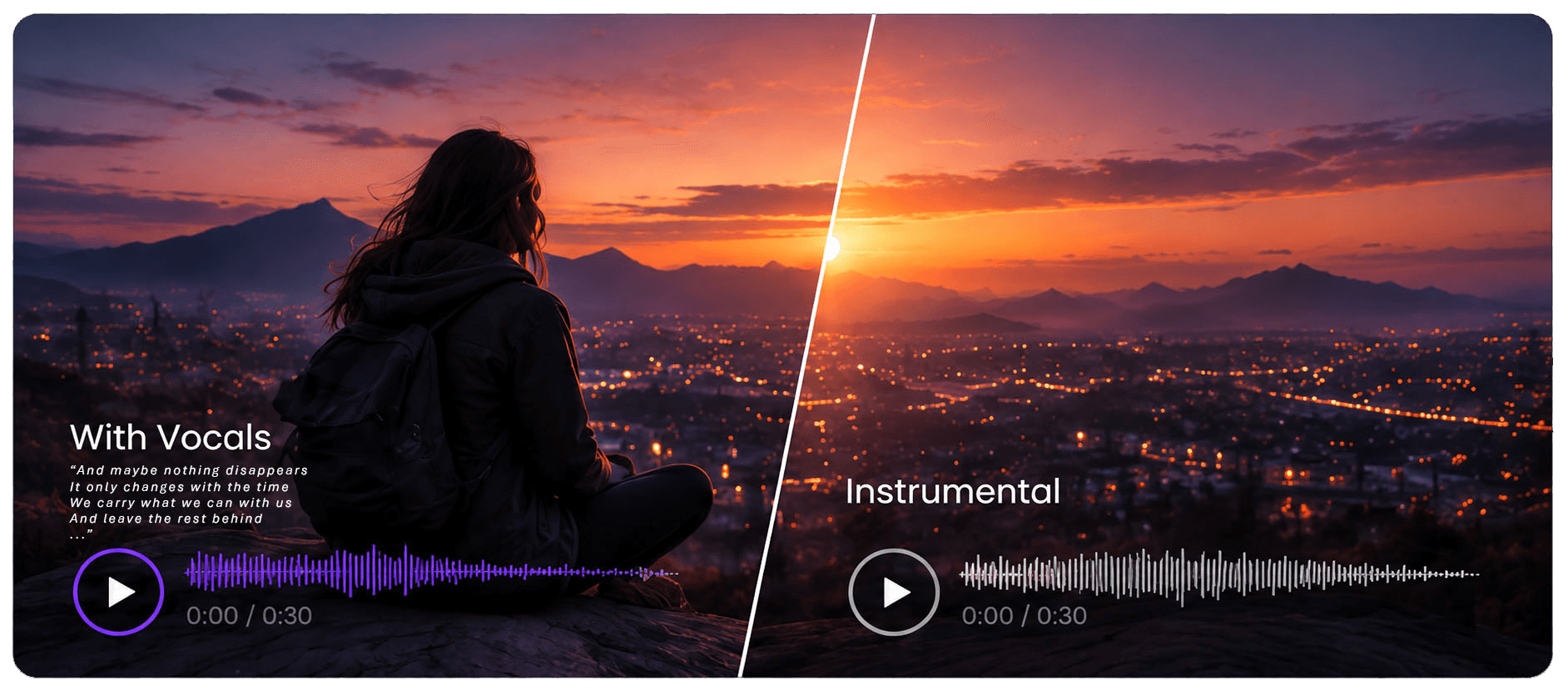
Use vocals when the music carries part of the story or brand message. Choose instrumental music when dialogue, narration, or on-screen text needs to stay clear and easy to follow.
Music changes how a video feels within seconds. A vocal track can give a scene a memorable phrase, emotional point of view, or stronger brand identity. An instrumental track can shape mood, pace, and atmosphere while leaving room for dialogue, narration, and visuals.
The real question is not which option is more interesting. It is which option helps the viewer understand and remember the video more clearly. Before opening an AI music generator, decide what the soundtrack needs to do: should it carry part of the message, or should it support a message that is already being delivered by speech and visuals?
Vocal vs Instrumental AI Music: Quick Comparison
| Video type | Better starting point |
|---|---|
| Tutorial or product demo | Instrumental |
| Interview or voice-led video | Instrumental |
| Fashion campaign | Vocal |
| Travel montage | Vocal or mixed |
| Brand film with little dialogue | Vocal |
| Educational YouTube content | Instrumental |
| Short social Reel or ad | Depends — vocal hook can work well |
| Launch film with reveal moment | Mixed approach can work best |
Start With the Role Music Plays in Your Video
Ask one question first: what should viewers remember after watching? If the answer is a product benefit, spoken explanation, customer story, or instructional sequence, then words already in the video need priority. In that case, instrumental music is usually the safer starting point.
If the answer is a feeling, a memorable phrase, a campaign mood, or a brand identity, a vocal track may do more of the work. A fashion film, travel montage, or short brand spot often has room for a vocal hook that becomes part of the viewer’s memory of the video.
Neither format is automatically better. The strongest choice is the one that makes the message land more effectively.
When to Use AI Music With Vocals
When lyrics add meaning
An AI music generator with vocals works best when the lyrics contribute something the visuals cannot express alone. That could be a campaign theme, a point of view, a simple emotional thread, or a short phrase that gives the edit a stronger identity.
For example, a travel montage moving from quiet preparation to arrival may benefit from a line about setting out, finding your way, or finally arriving. A brand video with minimal dialogue may benefit from a repeated lyric that reinforces the mood in the closing shot.
When a chorus can strengthen a key moment
Vocals also work well when the edit has a clear peak. If the chorus begins as the main reveal appears, the music can make that moment feel more intentional. This is especially useful in social clips, campaign films, and short-form ads where one emotional peak matters more than a detailed narrative.
When vocals become distracting
Be selective with the words. Viewers may only catch one or two lines, especially in short-form video. Simple lyrics that suit the footage are usually more valuable than a detailed story that requires close listening. If lyrics pull attention away from what is being said on screen, the track is doing too much.
When Instrumental AI Music Works Better
Voiceovers, tutorials, and explainers
Dialogue, tutorials, interviews, demonstrations, and voiceovers already ask viewers to process language. Adding sung lyrics creates another stream of words. Even when both sound good separately, they can compete once played together.
Instrumental AI music gives you more freedom to support speech. A subtle electronic bed can keep a product explainer moving. Warm piano or acoustic textures can soften a personal story. A steady groove can make a demo feel current without asking the viewer to follow another script.
Product videos and educational content
When important information appears on screen—such as features, steps, pricing, or calls to action—instrumental music usually helps more. It supplies tone and pace while letting the information remain easy to absorb.
Multilingual and dubbed versions
Instrumental tracks are also useful when you plan to translate or dub a video. You can swap the voiceover while keeping the same musical backdrop across versions. If lyrics are central to the original cut, adapting the video for different languages may require more re-editing.
Consider Everything Already in the Mix
Before choosing a track, list the sounds that matter: dialogue, narration, natural sound, sound effects, and music. Then identify the moments that must be understood clearly.
A cooking video may include spoken instructions plus the sound of ingredients hitting a pan. A tutorial may include clicks, app sounds, or screen recordings. An instrumental track can sit beneath those details. During a final reveal, you may briefly introduce a vocal line if the format benefits from a bigger finish.
A video does not need to choose one approach from beginning to end. You might begin with instrumental music under narration, introduce vocals during a montage, and return to an instrumental passage for the call to action. The transition should feel story-led, not like a stylistic change made simply to fill silence.
A good rule: listen to the complete edit once without looking at the screen. If the spoken message is hard to understand, the soundtrack needs adjusting.
Match the Music to the Platform
TikTok and Instagram Reels
Short social videos have very little time to establish mood. A vocal hook can sometimes help them make an immediate impression. If you use lyrics, keep them simple and memorable.
YouTube and longer-form content
Longer educational or creator-led videos usually benefit from music that stays comfortable beneath sustained speech. Instrumental tracks are often more sustainable over time because they do not keep demanding attention.
Ads and brand films
For ads, pay close attention to the final few seconds. If a singer and narrator deliver different words at the same time as the call to action, the result can feel crowded. Leave space for the one message you most want the viewer to retain.
Also remember that many viewers first encounter short-form content without sound. Clear visuals, captions, and strong pacing still need to carry the core message. A vocal track can enrich the experience, but it should not be the only way the audience understands the offer.
How to Prompt an AI Music Generator for Video
A useful prompt describes what the track should do in the edit—not just what genre it belongs to. Include the mood, pace, instrumentation, and how the arrangement should develop. Most importantly, say whether the music needs to support speech or take the spotlight.
Make room for the message
“Warm, light electronic background music for a 45-second product explainer; steady pace, soft percussion, no singing, and a gentle lift for the final reveal.”
Give the story a voice
“Hopeful indie-pop song for a travel montage; intimate opening, energetic chorus, and a short, clear lyric about starting a new journey.”
When creating AI music for video in SonoLabs, it helps to test multiple directions against the same footage. A written mood or genre prompt can quickly become either a vocal track or an instrumental version, which makes comparison fast and practical.
Test Both Versions Against the Same Edit
When you are unsure, make a simple A/B test. Place an instrumental version and a vocal version under the same 15–30 seconds of footage. Keep the rest of the edit unchanged so you can judge the music’s effect more clearly.
Hear the difference
Ask yourself:
- Can I understand every important spoken line?
- Does the music match the pace of the cuts?
- Do the lyrics fit the images and the brand?
- Does the track make the key moment stronger?
- What do I remember immediately after watching?
Then show both versions to someone who has not worked on the edit. Ask what they think the video is communicating before asking which track they prefer. Their first impression often reveals whether the soundtrack is helping the message land.
Vocal or Instrumental? A Simple Rule
Use AI music with vocals when lyrics genuinely add to the story, mood, or brand message. Choose instrumental music when dialogue, narration, or on-screen information should lead. Both approaches can work in one edit when each has a clear role.
In practice, the best choice is rarely theoretical. It becomes obvious when you hear the track against the footage. Generate both directions, compare them in context, and keep the version that makes the story feel clearer, stronger, and more memorable.
Find the sound your scene needs.
Create vocal or instrumental AI music in SonoLabs and compare both versions against the same scene.
Create your soundtrackFrequently Asked Questions
When should I use AI music with vocals for a video?
Use it when a lyric can strengthen the story, mood, or brand message. It works especially well in montages, campaign films, and visually led edits with little dialogue.
Is instrumental AI music better for videos with voiceovers?
Usually, yes. Instrumental music can create atmosphere without competing with spoken words, which makes it a strong choice for tutorials, explainers, and interviews.
Can I use both vocal and instrumental music in one video?
Yes. Many strong edits begin with instrumental music under speech, introduce vocals for a montage or reveal, and then return to a simpler bed for the closing message.
How should I prompt an AI music generator for a short video?
Describe the mood, length, pace, and main moment in the edit. For vocal music, focus on a short lyrical idea or hook rather than a detailed story.
What if the generated lyrics do not match my footage?
Revise the lyrical idea or switch to an instrumental version. A catchy line is not useful if it conflicts with the visual story or brand tone.
How do I tell which version works better?
Place both options under the same section of footage, listen for clarity, and ask a fresh viewer what they understood and remembered. Choose the version that makes the message clearer.